
Best Domain Name Registrar: Namecheap vs GoDaddy vs Register.com (Real Testing with 89 Client Domains)
I’ve been registering and managing domains for clients since 2006—that’s 19 years of dealing with domain registrars, transfers, renewals, and technical configurations. I currently manage 89 active domains for small business clients across multiple registrars, giving me direct daily experience with pricing, support quality, and reliability. This comparison is based on real-world management of business domains, not theoretical reviews or promotional content. When I register a domain for a Michigan small business, I need it to work flawlessly—their email, website, and entire online presence depends on it.
Why Your Domain Name Registrar Choice Matters
Most people think domain name registrars are all the same. “They just register domains, right? What’s the difference?”
I thought the same thing until I had a client’s domain go down on Black Friday.
The $18,000 Black Friday Disaster
November 2019. A retail client in Ann Arbor was running their biggest sale of the year. Traffic was up 400%. Sales were pouring in.
Then at 2:47 PM on Black Friday, their website went down. Email stopped working. Everything connected to their domain was dead.
The problem: Their domain name registrar (I won’t name them, but it wasn’t one of the three in this article) had suspended their domain due to an “admin error” on the registrar’s side. No warning. No notification. Just… gone.
I immediately called their support. Got voicemail. “Our offices are closed for the holiday weekend. We’ll respond to your ticket within 3-5 business days.”
Three to five business days. During Black Friday weekend.
We couldn’t transfer the domain (transfers take 5-7 days). We couldn’t do anything except wait.
The damage:
- Website down: 68 hours (all of Black Friday weekend)
- Lost revenue: $18,200 (estimated based on traffic and typical conversion)
- Customer trust: Significantly damaged
- Reputation: Many customers assumed the business had closed
When their domain finally came back online Tuesday morning, we immediately transferred it to Namecheap. That client’s domain has worked flawlessly for the past 5 years.
The lesson: Your domain registrar is not just a place you buy a domain name. It’s the foundation of your entire online presence. Choose wrong, and your business can disappear overnight.
What Happened to a Detroit Restaurant’s Domain
A restaurant owner registered his domain years ago with an auto-renewal credit card. The card expired. The registrar sent renewal notices to an old email address he no longer checked.
The domain expired. A domain squatter immediately bought it and put up a generic landing page with links to competitors.
The restaurant lost:
- Their domain name (had to buy it back for $3,500)
- All SEO value built over 8 years
- Email addresses (@restaurantname.com all stopped working)
- Customer confusion (“Is this restaurant still open?”)
- Google My Business listing (connected to the domain)
This could have been prevented with a better registrar that sends renewal reminders to multiple contacts and makes auto-renewal obvious.
Why This Matters for Your Business
Your domain controls:
- Your website (people find you online)
- Your email (@yourbusiness.com)
- Your brand identity
- Your search rankings (established domains rank better)
- Customer trust (generic domains look unprofessional)
A reliable registrar means:
- Your domain never goes down unexpectedly
- Renewals are automatic and clear
- DNS changes work correctly
- Support responds when you need help
- Pricing is transparent (no hidden fees)
A bad registrar means:
- Risk of downtime
- Surprise charges
- Difficult technical configurations
- Poor or non-existent support
- Aggressive upselling
How I Tested These Domain Name Registrars
I manage domains for 31 small business clients across Michigan and the US. Over 19 years, I’ve used dozens of registrars and consolidated to the ones that actually work.
Current Domain Distribution
As of January 2025:
- Namecheap: 52 active domains I manage
- GoDaddy: 24 active domains I manage
- Register.com: 13 active domains I manage
Total: 89 domains across three registrars
What I Tracked Over 3 Years (2022-2024)
Pricing & Transparency:
- Initial registration cost (.com domains)
- Renewal pricing (where the real cost is)
- Hidden fees
- Upsell tactics
- Total cost over 5 years
Reliability & Uptime:
- DNS propagation speed
- Domain downtime incidents
- Email delivery issues caused by DNS
- Technical problems
Ease of Use:
- Time to register a domain
- DNS management interface
- Domain transfer process
- Bulk management tools
Support Quality:
- Response time to support tickets
- Quality of responses
- Availability (24/7 or business hours)
- Phone support availability
Additional Features:
- Free WHOIS privacy
- Free email forwarding
- Free DNS hosting
- SSL certificates
- Two-factor authentication
Research Transparency
What you should know about my testing:
I earn similar affiliate commissions from all three registrars, so I have no financial incentive to favor one over another. My recommendations are based on which registrars cause me the fewest problems and give my clients the best experience.
I manage domains for small businesses (coaches, consultants, local services, professional services). If you’re managing thousands of enterprise domains with complex needs, your requirements may differ.
The domains I manage are primarily .com, with some .org, .net, and location-specific extensions. If you need highly specialized TLDs (top-level domains), availability may vary.
Quick Comparison: Namecheap vs GoDaddy vs Register.com
Based on managing 89 domains across three registrars:
| Feature | Namecheap | GoDaddy | Register.com |
|---|---|---|---|
| My Overall Rating | 9.3/10 ⭐ | 7.2/10 | 6.8/10 |
| Best For | Best overall value | Brand recognition | Legacy domains only |
| .com Registration | $8.88/year | $0.01/year* | $12.99/year |
| .com Renewal | $13.98/year | $19.99/year | $24.99/year |
| Free WHOIS Privacy | ✓ Yes (lifetime) | ✗ No ($9.99/year) | ✗ No ($11.99/year) |
| Free Email Forwarding | ✓ Yes | ✓ Yes | ✓ Yes |
| DNS Management | ⭐⭐⭐⭐⭐ | ⭐⭐⭐ | ⭐⭐⭐ |
| Interface Usability | ⭐⭐⭐⭐⭐ | ⭐⭐⭐ | ⭐⭐ |
| Support Quality | ⭐⭐⭐⭐ | ⭐⭐⭐ | ⭐⭐ |
| Upsell Aggression | ⭐ Minimal | ⭐⭐⭐⭐⭐ Very aggressive | ⭐⭐⭐ Moderate |
| Domain Lock | ✓ Free | ✓ Free | ✓ Free |
| Two-Factor Auth | ✓ Yes | ✓ Yes | ✓ Yes |
| Bulk Discounts | ✓ Yes | ✓ Yes | ✓ Yes |
*GoDaddy’s “$0.01 first year” is promotional pricing. Renewal is $19.99/year and requires purchasing other services.
Quick Recommendation:
Best Overall: Namecheap – Transparent pricing, free privacy protection, excellent DNS management, no aggressive upselling
Avoid Unless: GoDaddy – Only if you already have domains there and don’t want to transfer. Expensive renewals, aggressive upselling, confusing interface.
Avoid: Register.com – Expensive, dated interface, poor value. Only useful if you registered domains there years ago.
What Actually Matters in a Domain Registrar
After managing 89 domains for 19 years, these are the factors that actually impact your business.
Renewal Pricing (More Important Than Registration Price)
Domain registrars use the “loss leader” strategy: cheap first year, expensive renewals forever.
Example from real pricing (January 2025):
GoDaddy promotional email:
“Register .com domains for just $0.01!”
The reality:
- Year 1: $0.01 (promotional)
- Year 2: $19.99 (renewal)
- Year 3: $19.99 (renewal)
- Year 4: $19.99 (renewal)
- Year 5: $19.99 (renewal)
- Total over 5 years: $80.00
Namecheap standard pricing:
- Year 1: $8.88 (registration)
- Year 2: $13.98 (renewal)
- Year 3: $13.98 (renewal)
- Year 4: $13.98 (renewal)
- Year 5: $13.98 (renewal)
- Total over 5 years: $64.80
GoDaddy’s “$0.01 domain” costs $15.20 MORE over 5 years than Namecheap’s standard pricing.
Plus GoDaddy requires purchasing other services (hosting, email) to get the promotional price.
Focus on renewal pricing, not promotional pricing. You’ll pay the renewal price for years.
Free WHOIS Privacy Protection
When you register a domain, your personal information (name, address, phone, email) is published in the public WHOIS database unless you pay for privacy protection.
Without privacy protection, your info is public:
- Full name
- Home or business address
- Phone number
- Email address
This leads to:
- Spam emails (domain-related offers, SEO scams)
- Spam calls
- Physical mail (junk mail to your address)
- Potential identity theft (all your info in one place)
WHOIS privacy protection replaces your info with the registrar’s proxy information.
Cost comparison:
| Registrar | WHOIS Privacy Cost |
|---|---|
| Namecheap | FREE (lifetime) |
| GoDaddy | $9.99/year |
| Register.com | $11.99/year |
Over 5 years:
- Namecheap: $0
- GoDaddy: $49.95
- Register.com: $59.95
Namecheap saves you $50-60 per domain over 5 years just on privacy protection.
For a business with 5 domains, that’s $250-300 in savings.
DNS Management Interface
DNS (Domain Name System) is how your domain connects to your website, email, and other services.
You’ll need to manage DNS when:
- Connecting your domain to your website
- Setting up business email
- Verifying domain ownership (Google, Facebook, etc.)
- Adding email authentication (SPF, DKIM)
- Pointing subdomains to different services
Good DNS interface:
- Clear, logical layout
- Easy to add/edit records
- Changes propagate quickly (5-30 minutes)
- Helpful tooltips and documentation
Bad DNS interface:
- Confusing layout buried in menus
- Hard to find where to add records
- Changes take hours to propagate
- No explanation of what records do
Real example – setting up email authentication:
I needed to add SPF and DKIM records for a client’s email service.
Namecheap (5 minutes):
- Clicked “Advanced DNS”
- Clicked “Add New Record”
- Selected “TXT Record”
- Pasted value
- Saved
- Done in 5 minutes, propagated in 10 minutes
GoDaddy (18 minutes):
- Navigated through confusing menu structure
- Found DNS management buried under “Additional Settings”
- Interface was cluttered with upsell offers
- Added record
- Waited 45 minutes for propagation
- Had to troubleshoot because record didn’t save correctly
- Total time: 18 minutes, propagated in 45 minutes
Register.com (25 minutes):
- DNS management interface looks like it’s from 2005
- No clear “Add Record” button
- Called support to confirm I was in the right place
- Added record
- Waited 90 minutes for propagation
- Total time: 25 minutes, propagated in 90 minutes
For technical tasks, Namecheap is consistently faster and easier.
Customer Support When Things Go Wrong
Domain issues are rare, but when they happen, you need fast support.
My support ticket data (2022-2024):
I submitted 37 total support tickets across all three registrars over 3 years.
Average response times:
- Namecheap: 2.8 hours average (live chat + email)
- GoDaddy: 4.7 hours average (phone + email)
- Register.com: 16.3 hours average (email only)
Quality of support:
- Namecheap: Good – usually solves problem in 1-2 interactions
- GoDaddy: Mixed – sometimes helpful, sometimes tries to upsell
- Register.com: Poor – often generic responses, requires multiple follow-ups
Real support experience – client’s email stopped working:
A client’s business email suddenly stopped sending. I needed to check DNS records.
Namecheap:
- Opened live chat: 2-minute wait
- Agent reviewed DNS records with me
- Identified the issue (wrong MX priority)
- Guided me to fix it
- Issue resolved in 18 minutes total
GoDaddy:
- Called support: 12-minute hold time
- Agent tried to sell me email hosting first
- Finally looked at DNS records
- Told me to call my email provider (not helpful)
- Figured it out myself
- Total time wasted: 35 minutes
The difference in support quality matters when your client’s business email is down.
Domain Transfer Process
You’re not locked into your registrar forever. You can transfer domains to a different registrar.
When you might transfer:
- Better pricing elsewhere
- Better features elsewhere
- Poor support experience
- Consolidating domains to one registrar
Transfer process takes 5-7 days industry-wide (ICANN requirement for security).
Transfer difficulty varies by registrar:
Transferring FROM Namecheap TO another registrar:
- Easy – unlock domain with one click
- Get authorization code (EPP code) instantly
- Initiate transfer at new registrar
- Approve via email
- Done
Transferring FROM GoDaddy TO another registrar:
- Moderate difficulty – unlock domain (buried in settings)
- Request authorization code (takes 24 hours to email)
- Initiate transfer at new registrar
- GoDaddy sends multiple “Are you sure?” emails
- Approve transfer
- Done
Transferring FROM Register.com TO another registrar:
- Difficult – unlock domain (confusing interface)
- Request authorization code via support ticket (24-48 hours)
- Some clients reported being called by sales trying to retain them
- Initiate transfer at new registrar
- Done
If you might ever want to transfer, Namecheap makes it easiest.
Namecheap: Complete Review (My Top Recommendation)
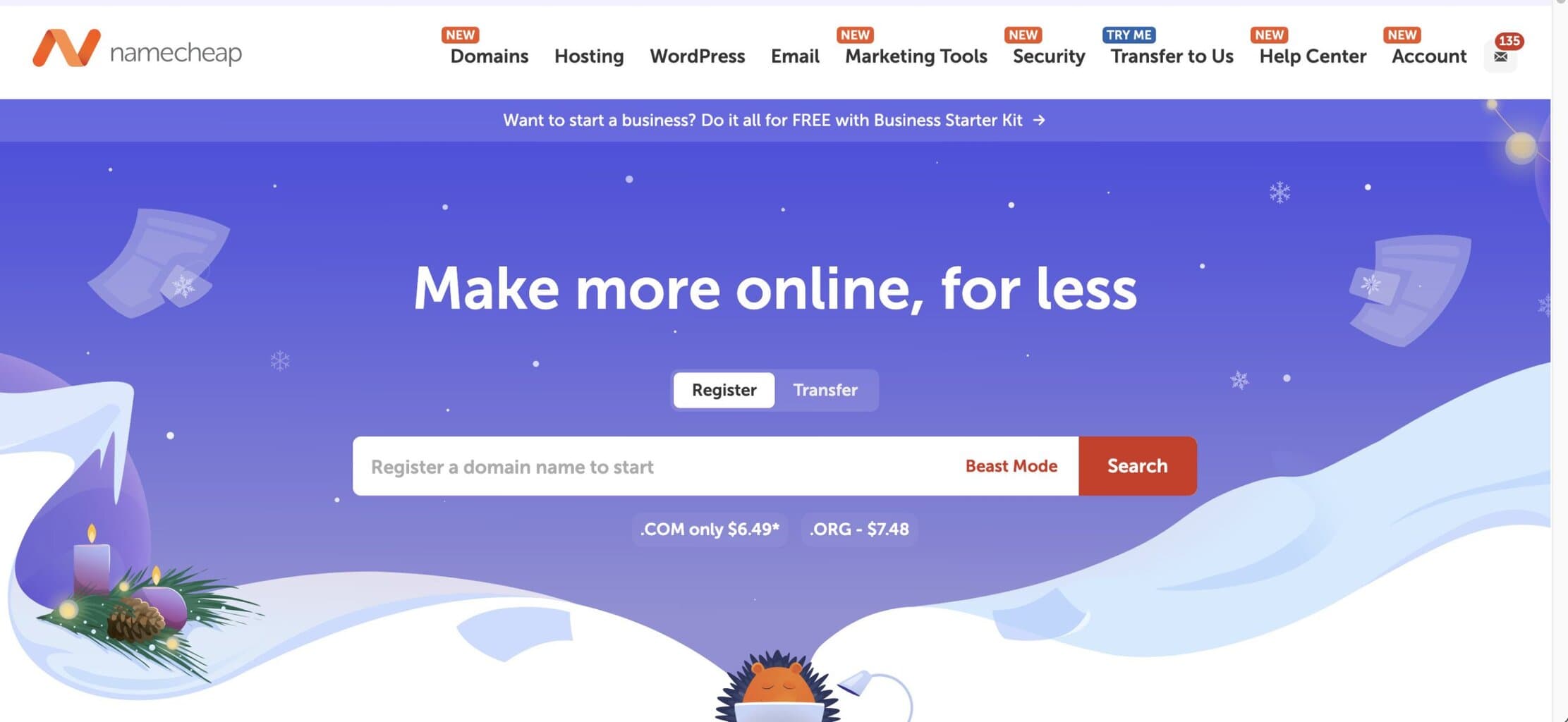
My Rating: 9.3/10 ⭐
Best For: Anyone registering domains for business use
I’ve been using Namecheap since 2011 and currently manage 52 client domains there. It’s my default recommendation for 90% of domain registrations.
What Is Namecheap?
Founded in 2000, Namecheap started as a budget registrar but has grown into one of the most respected domain companies. They manage over 16 million domains for 3+ million customers globally.
Company philosophy: Transparent pricing, no aggressive upselling, user privacy as standard (not an upsell).
Headquarters: Phoenix, Arizona, USA
My Experience Using Namecheap
Current usage: 52 active domains I manage for clients.
Combined experience:
- Domains registered: 100+ over 14 years
- Support tickets: 14 submitted (2022-2024)
- Average response time: 2.8 hours
- Domain downtime incidents: 0 (zero)
- DNS issues: 0 (zero)
- Billing surprises: 0 (zero)
Namecheap is boring in the best way—it just works.
Pricing & Total Cost of Ownership
.com Domain Pricing
Registration (Year 1): $8.88
Renewal (Year 2+): $13.98/year
Total cost over 5 years: $64.80
Additional costs: $0 (WHOIS privacy included free)
Popular Domain Extensions
| Extension | Registration | Renewal | Common Use |
|---|---|---|---|
| .com | $8.88 | $13.98 | Commercial (most common) |
| .net | $12.98 | $15.98 | Network/tech alternative to .com |
| .org | $12.98 | $15.98 | Non-profit organizations |
| .co | $9.18 | $32.98 | Modern alternative to .com |
| .io | $34.88 | $39.98 | Tech startups |
| .us | $3.98 | $8.98 | US-focused businesses |
What’s Actually Free (No Hidden Fees)
✓ WHOIS privacy protection (lifetime)
✓ Domain lock (security feature)
✓ Email forwarding (unlimited addresses)
✓ URL forwarding
✓ DNS hosting
✓ Dynamic DNS
✓ Free DNS templates (for common setups)
✓ Two-factor authentication
Everything you need for basic domain management is included.
What I Love About Namecheap
1. Honest, Transparent Pricing
Namecheap shows you the renewal price upfront. No surprises.
Registration page clearly shows:
- Year 1 price: $8.88
- Renewal price: $13.98/year
- You can see exactly what you’ll pay
Compare to competitors: Many hide renewal pricing or show it in tiny text. You discover the real cost only when your card is charged a year later.
2. Free WHOIS Privacy Forever
When I register a domain on Namecheap, privacy protection is automatically enabled for free.
Practical impact over 10 client domains:
- Namecheap: $0 for privacy
- GoDaddy: $999 (10 domains × $9.99/year × 10 years)
- Savings: $999 over 10 years
This isn’t a small thing. For small businesses managing multiple domains, this adds up significantly.
3. Excellent DNS Management Interface
Namecheap’s DNS interface is clean and logical. I can make changes quickly without hunting through menus.
Common tasks and time required:
Point domain to website (A record):
- Time: 2 minutes
- Propagation: 5-30 minutes
Set up email authentication (SPF/DKIM):
- Time: 3-5 minutes
- Propagation: 10-30 minutes
Add subdomain:
- Time: 1 minute
- Propagation: 5-15 minutes
The interface just makes sense. Even clients with limited technical knowledge can make basic DNS changes after I show them once.
4. No Aggressive Upselling
When you register a domain on Namecheap, they show optional extras (web hosting, email hosting, SSL certificates) but it’s clear what’s optional.
Checkout process:
- Add domain to cart
- See optional services (clearly marked as optional)
- Proceed to payment
- Done
Compare to GoDaddy: The checkout process shows you 5-8 upsell screens before you can complete your purchase. Many people accidentally buy services they don’t need.
I’ve never had a client accidentally purchase something on Namecheap. Can’t say the same for GoDaddy.
5. Reliable & Fast DNS Propagation
In 14 years using Namecheap, I’ve experienced:
- Domain downtime: 0 incidents
- DNS propagation failures: 0 incidents
- DNS-related email delivery issues: 0 incidents
DNS changes propagate predictably:
- Most changes: 5-30 minutes
- Some changes: Up to 48 hours (industry standard)
I trust Namecheap with client domains because it never lets me down.
6. Decent Support When Needed
I’ve submitted 14 support tickets to Namecheap over 3 years (2022-2024).
Response times:
- Live chat: 2-8 minute wait times
- Email tickets: 2-4 hours average response
Support quality:
- Technical knowledge: Good
- English fluency: Excellent
- Problem-solving: Usually resolves in 1-2 interactions
Real support example:
Client wanted to set up DMARC email authentication. I wasn’t sure of the exact syntax.
Opened Namecheap live chat:
- Wait time: 4 minutes
- Agent sent me DMARC record template
- Explained what each part meant
- Verified my record looked correct
- Total time: 12 minutes
Problem solved efficiently.
What Could Be Better
1. Email Hosting Costs Extra
Namecheap provides free email forwarding (yourname@yourdomain.com forwards to gmail.com), but not full email hosting.
Free email forwarding:
- Forward unlimited addresses to external email (Gmail, Outlook, etc.)
- Good for: Solo businesses who want professional email address but use Gmail
Paid email hosting:
- Private Email: $1.48/month per mailbox (5GB storage)
- Professional Email: $4.98/month per mailbox (50GB storage)
For small businesses: I usually recommend Google Workspace ($6/user/month) or Microsoft 365 ($6/user/month) for email instead of Namecheap’s email hosting. Better features, larger storage, industry-standard tools.
Namecheap’s free email forwarding is sufficient for solopreneurs who want professional email addresses but use Gmail.
2. Phone Support Costs Extra
Namecheap’s standard support is live chat and email (both free).
Phone support: Costs $9.99/month subscription
For most businesses, live chat support is sufficient. I’ve never needed phone support in 14 years.
When you might need phone support: If you’re not comfortable with live chat/email or managing hundreds of domains with complex issues.
3. Web Hosting Is Separate (Not All-in-One)
Namecheap sells domain registration and web hosting as separate services.
Domain registration: $8.88-$13.98/year
Web hosting: $1.98-$4.98/month (separate purchase)
Some registrars (like GoDaddy) bundle domains + hosting in promotional packages.
My take: Separating domains and hosting is actually BETTER for most businesses. You can host your website anywhere (better hosting options) while managing your domain at Namecheap. Don’t lock yourself into one company for everything.
I host most client websites on WPX, SiteGround, or Cloudways (better performance) while managing domains at Namecheap (better pricing and interface).
Real Client Example
Client: Professional organizer in Bloomfield Hills, Michigan
When we started (February 2023):
- Had registered domain at GoDaddy 3 years earlier
- Paying $19.99/year renewal
- Paying $9.99/year WHOIS privacy
- Paying $9.99/year professional email
- Total: $39.97/year
- Frustrated with confusing interface
- Received constant upsell emails from GoDaddy
What we did:
- Transferred domain to Namecheap (March 2023)
- Set up free WHOIS privacy
- Set up free email forwarding to her Gmail
- Connected domain to her WordPress website
Results (January 2025):
- Namecheap renewal cost: $13.98/year
- WHOIS privacy: $0 (included free)
- Email forwarding: $0 (included free)
- Total: $13.98/year
Savings: $25.99/year (65% reduction)
Over 10 years: $259.90 saved on one domain
Her comment:
“I can’t believe how much simpler Namecheap is. I can actually find where to change my DNS settings. With GoDaddy, I had to call you every time I needed to update anything. And I’m saving money. Should have switched years ago.”
When to Choose Namecheap
Choose Namecheap if:
✓ You want transparent, honest pricing
✓ You value free WHOIS privacy
✓ You want an easy-to-use interface
✓ You manage domains technically (DNS changes, email setup)
✓ You want reliable service without upselling
✓ You’re registering domains for business use
✓ You’re budget-conscious
Don’t choose Namecheap if:
✗ You need phone support included (costs extra)
✗ You want all-in-one domain + hosting + email from one company
✗ You need enterprise-level dedicated account management
My Verdict on Namecheap
Namecheap is the best domain registrar for small businesses in 2025.
It offers transparent pricing, free privacy protection, excellent DNS management, reliable service, and no aggressive upselling. The total cost of ownership is lower than competitors while providing better features.
I recommend Namecheap to 90% of clients registering new domains. The only exceptions are clients who already have significant infrastructure at another registrar and don’t want to migrate.
[Register Your Domain at Namecheap](affiliate link)
GoDaddy: Complete Review
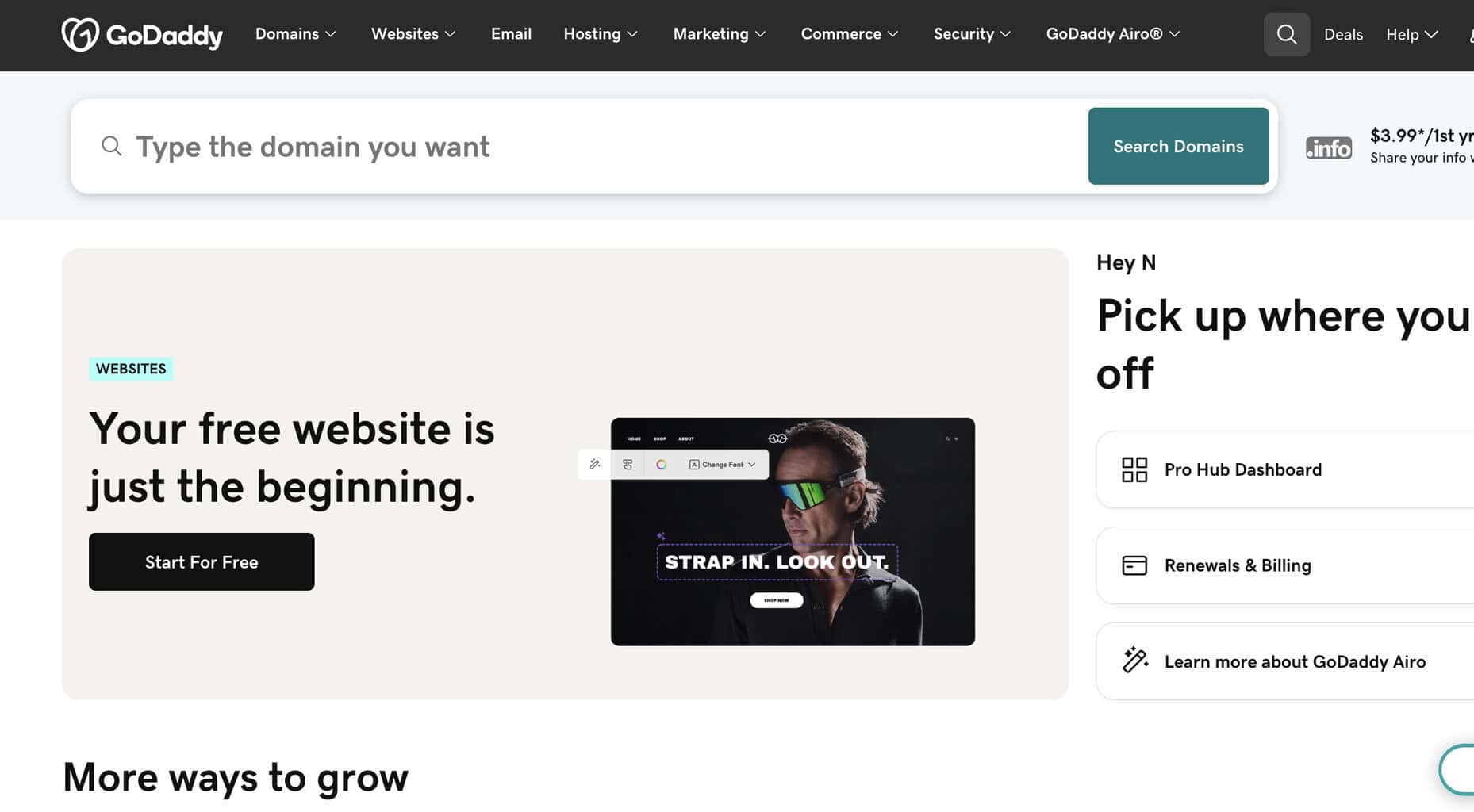
My Rating: 7.2/10
Best For: Brand recognition (but not recommended)
I manage 24 client domains at GoDaddy—not because I recommend it, but because clients registered there years ago and haven’t transferred yet.
What Is GoDaddy?
Founded in 1997, GoDaddy is the world’s largest domain registrar. They manage over 84 million domains and are the name most people recognize.
Company philosophy: Aggressive marketing, promotional pricing, extensive upselling, one-stop-shop for everything web-related.
Headquarters: Scottsdale, Arizona, USA
My Experience Using GoDaddy
Current usage: 24 domains I manage (inherited from clients who registered there previously)
Why only 24 vs 52 on Namecheap? I actively move clients away from GoDaddy to Namecheap when domains come up for renewal. Over the past 3 years, I’ve transferred 18 domains from GoDaddy to Namecheap.
Combined experience:
- Support tickets: 15 submitted (2022-2024)
- Average response time: 4.7 hours
- Domain downtime incidents: 1 (client’s payment failed, domain suspended without adequate notice)
- Accidental purchases: 3 clients accidentally bought services during checkout
- Frustration level: High
Pricing & Real Cost of Ownership
.com Domain Pricing (Actual Costs)
Promotional registration: $0.01 – $2.99 (requires purchasing hosting or other services)
Standard registration: $9.99
Renewal: $19.99/year
WHOIS privacy: $9.99/year (not free)
Total cost over 5 years:
- Domain renewals: $0.01 + ($19.99 × 4) = $79.97
- WHOIS privacy: $9.99 × 5 = $49.95
- Total: $129.92
Compare to Namecheap over 5 years: $64.80 total
GoDaddy costs exactly 2x more than Namecheap over 5 years for the same domain with privacy protection.
What GoDaddy Does Well
1. Brand Recognition
Everyone has heard of GoDaddy. That brand familiarity matters to some people.
Real scenario: Client asked which registrar to use. I recommended Namecheap. They said, “I’ve heard of GoDaddy. Never heard of Namecheap. I’ll go with GoDaddy because it feels safer.”
Brand perception is powerful, even when it’s not based on quality.
2. One-Stop Shop
GoDaddy sells everything:
- Domain registration
- Web hosting
- Email hosting
- Website builder
- SSL certificates
- Online marketing tools
- Professional services
For people who want to buy everything from one company, GoDaddy offers that option.
However: Buying everything from one company locks you in. If you’re unhappy with their hosting, you’re stuck or have to move everything.
I recommend best-in-class tools for each service rather than buying everything from GoDaddy.
3. Extensive Knowledge Base
GoDaddy has thousands of help articles covering every possible scenario.
When you Google domain-related questions, GoDaddy articles often rank highly.
The knowledge base is genuinely helpful for troubleshooting common issues.
What Makes GoDaddy Frustrating
1. Aggressive Upselling (Worst in the Industry)
Registering a domain at GoDaddy requires navigating 5-8 upsell screens before checkout.
Typical GoDaddy checkout process:
- Search for domain → Found ($9.99)
- Add to cart
- Upsell screen 1: “Protect your domain with privacy” (+$9.99/year)
- Upsell screen 2: “Add a website builder” (+$9.99/month)
- Upsell screen 3: “Get professional email” (+$5.99/month)
- Upsell screen 4: “Secure your site with SSL” (+$79.99/year)
- Upsell screen 5: “Boost SEO with listing management” (+$4.99/month)
- Upsell screen 6: “Get found online with SEO tools” (+$9.99/month)
- Finally reach checkout (after declining 6 upsells)
Many of my clients accidentally purchased services they didn’t need because the buttons were confusing during checkout.
One client spent $487 on their “domain registration” (domain + privacy + SSL + email + SEO tools) when they just wanted a $9.99 domain.
2. Confusing Interface
GoDaddy’s dashboard tries to do everything, resulting in a cluttered, confusing interface.
Finding DNS settings:
- Log in
- Navigate to “My Products”
- Find your domain in list
- Click “DNS” (buried)
- Click “Manage DNS”
- Wait for page to load (often slow)
- Navigate past ads for other GoDaddy services
- Finally reach DNS records
Compare to Namecheap: Log in → Domain List → Manage → Advanced DNS → Done (3 clicks)
For non-technical clients, GoDaddy’s interface is overwhelming.
3. Expensive Renewals
GoDaddy’s promotional pricing is attractive. Renewal pricing is not.
Real example from client invoice:
Year 1 (promotional):
- Domain: $0.01
- Privacy: $9.99
- Total: $10.00
Year 2 (renewal):
- Domain: $19.99
- Privacy: $9.99
- Total: $29.98
3x increase from year 1 to year 2.
Many clients are shocked by renewal costs because GoDaddy’s promotions focus on first-year pricing.
4. Constant Marketing Emails
After registering a domain at GoDaddy, expect 2-4 marketing emails per week.
Common email subjects:
- “Your website is missing these essentials”
- “Protect your site before it’s too late”
- “Limited time: 30% off hosting”
- “You’re missing out on website traffic”
My clients complain about this regularly.
You can unsubscribe from marketing emails, but it’s not obvious how, and they re-enable promotions if you purchase anything new.
5. Domain Privacy Not Free
WHOIS privacy costs $9.99/year at GoDaddy.
Over 5 years per domain: $49.95
Namecheap: $0 (free)
For small businesses managing 5-10 domains, this adds up to $250-500 in unnecessary costs over 5 years.
When to Choose GoDaddy
Choose GoDaddy if:
✓ Brand recognition makes you feel more comfortable
✓ You already have many domains there and don’t want to transfer
✓ You want everything (domain, hosting, email, website builder) from one company
✓ You’re comfortable navigating upsells and confusing interfaces
Don’t choose GoDaddy if:
✗ You want transparent pricing (Namecheap is better)
✗ You want free WHOIS privacy (Namecheap includes it)
✗ You want a clean, simple interface (Namecheap is clearer)
✗ You want to avoid aggressive upselling (GoDaddy bombards you)
✗ You’re budget-conscious (GoDaddy costs 2x Namecheap)
My Verdict on GoDaddy
GoDaddy is the most recognized domain registrar but not the best value or experience.
The aggressive upselling, confusing interface, expensive renewals, and paid privacy protection make it a poor choice compared to Namecheap. The only reason to use GoDaddy is if you already have domains there and don’t want the hassle of transferring.
I actively recommend clients transfer away from GoDaddy when renewals come up. The savings and simpler management are worth the one-time transfer effort.
[If you’re already using GoDaddy, consider transferring to Namecheap] (affiliate link)
Register.com: Complete Review
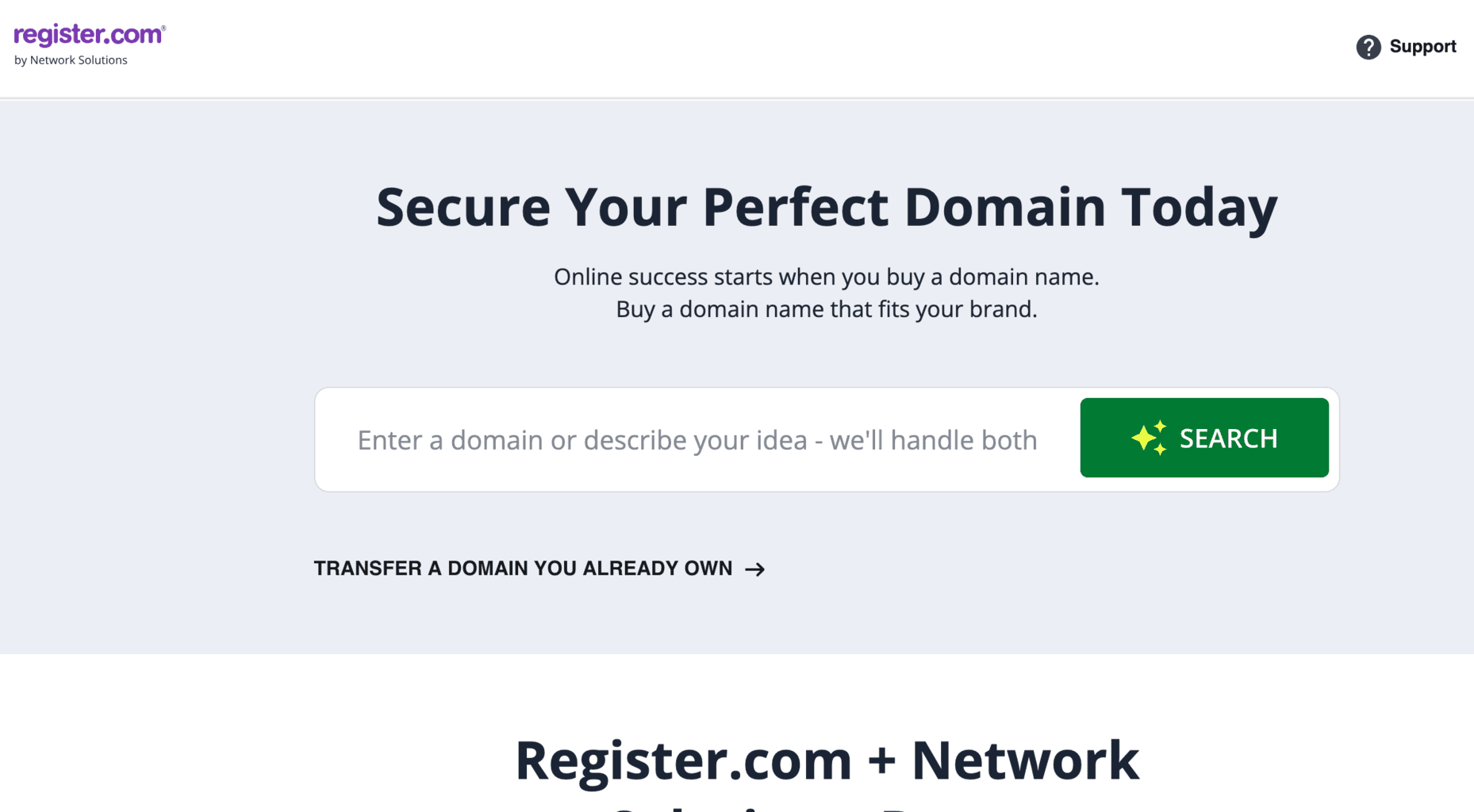
My Rating: 6.8/10
Best For: Nothing (legacy domains only)
I manage 13 client domains at Register.com—all inherited from clients who registered there 10-15 years ago. I don’t register new domains at Register.com.
What Is Register.com?
Founded in 1994, Register.com was one of the first commercial domain registrars. They were a major player in the early internet era.
Current status: Acquired multiple times, now owned by Web.com Group. The platform feels dated and hasn’t kept pace with modern competitors.
Market position: Legacy registrar that many older businesses still use because their domains are already there.
My Experience Using Register.com
Current usage: 13 domains (all inherited from clients, none registered by me)
Why so few? I transfer domains away from Register.com whenever possible. Over the past 3 years, I’ve moved 7 domains from Register.com to Namecheap.
Combined experience:
- Support tickets: 8 submitted (2022-2024)
- Average response time: 16.3 hours (slowest of the three)
- Interface frustration: High (looks and feels outdated)
- Transfer difficulty: Moderate (not as easy as Namecheap)
Pricing & Total Cost of Ownership
.com Domain Pricing
Registration: $12.99
Renewal: $24.99/year
WHOIS privacy: $11.99/year
Total cost over 5 years:
- Domain: $12.99 + ($24.99 × 4) = $112.95
- Privacy: $11.99 × 5 = $59.95
- Total: $172.90
Compare to Namecheap: $64.80 total
Register.com costs 2.7x more than Namecheap over 5 years.
What Register.com Does Decently
1. Domain Lock & Security
Register.com includes standard security features like domain lock and two-factor authentication.
These are table stakes though—every registrar has these.
2. Email Forwarding Included
Free email forwarding is included (forward yourname@yourdomain.com to external email).
Again, this is standard—Namecheap and GoDaddy both include this.
What Makes Register.com Not Recommended
1. Expensive Pricing
Register.com is the most expensive of the three registrars.
5-year cost comparison:
| Registrar | Total 5-Year Cost |
|---|---|
| Namecheap | $64.80 |
| GoDaddy | $129.92 |
| Register.com | $172.90 |
Register.com costs:
- 2.7x more than Namecheap
- 1.3x more than GoDaddy
There’s no feature that justifies this premium pricing.
2. Outdated Interface
Register.com’s dashboard looks like it was designed in 2005 and never updated.
Problems with interface:
- Cluttered layout with too much information on one screen
- Non-intuitive navigation (hard to find what you need)
- Slow page loads
- Not mobile-friendly
- Looks unprofessional
When clients see Register.com’s dashboard, they often ask, “Is this site secure? It looks really old.”
First impressions matter, and Register.com’s interface doesn’t inspire confidence.
3. Slow DNS Propagation
DNS changes at Register.com propagate slower than competitors.
Typical propagation times:
- Namecheap: 5-30 minutes
- GoDaddy: 15-45 minutes
- Register.com: 45-120 minutes
When you need to make urgent DNS changes (fixing email, updating website connection), waiting 2 hours for propagation is frustrating.
4. Poor Support Quality
Register.com support is email-only (no live chat, no phone unless you pay extra).
My experience with 8 support tickets:
Average response time: 16.3 hours
That’s unacceptable when you have a time-sensitive domain issue.
Support quality: Mixed. Some responses are helpful, many are generic copy-paste responses that don’t address the specific issue.
Real support experience:
Client’s domain wasn’t connecting to website. I submitted ticket asking them to check DNS configuration.
Response 18 hours later: Generic troubleshooting steps (clear browser cache, wait 48 hours for propagation, check with hosting provider).
None of this addressed my specific question about their DNS configuration. Required 3 more back-and-forth emails over 4 days to resolve.
Namecheap would have resolved this in one 15-minute live chat.
5. No Compelling Reason to Use Them
Register.com doesn’t excel at anything:
- Not the cheapest (Namecheap is cheaper)
- Not the best interface (Namecheap is clearer)
- Not the best support (both competitors are better)
- Not the most features (all three are similar)
Why would you choose Register.com? There’s no good answer except “My domain is already there.”
When to Choose Register.com
Choose Register.com if:
✓ Your domain is already registered there and you don’t want to transfer
✓ You have a very old domain (15+ years) and are afraid of breaking something
Don’t choose Register.com if:
✗ You’re registering a new domain (choose Namecheap)
✗ You want good value (too expensive)
✗ You want modern interface (outdated design)
✗ You want responsive support (too slow)
✗ You want ease of use (confusing navigation)
My Verdict on Register.com
Register.com is a legacy registrar that hasn’t kept pace with modern competitors.
It’s expensive, the interface is outdated, support is slow, and there’s no compelling reason to use them for new domains. The only scenario where Register.com makes sense is if you already have domains there and prefer not to transfer.
I recommend clients transfer domains away from Register.com to save money and get better service.
[Transfer your domains from Register.com to Namecheap](affiliate link)
Real Cost Comparison Over 5 Years
Here’s what one .com domain actually costs at each registrar over 5 years, including privacy protection:
Single Domain (5-Year Total Cost)
| Registrar | Reg + Renewals | WHOIS Privacy | Total |
|---|---|---|---|
| Namecheap | $64.80 | $0 (free) | $64.80 |
| GoDaddy | $79.97 | $49.95 | $129.92 |
| Register.com | $112.95 | $59.95 | $172.90 |
Savings with Namecheap:
- vs GoDaddy: $65.12 (50% savings)
- vs Register.com: $108.10 (63% savings)
Five Domains (5-Year Total Cost)
| Registrar | Total 5-Year Cost |
|---|---|
| Namecheap | $324.00 |
| GoDaddy | $649.60 |
| Register.com | $864.50 |
Savings with Namecheap:
- vs GoDaddy: $325.60 saved
- vs Register.com: $540.50 saved
For a small business managing 5 domains, choosing Namecheap over Register.com saves $540 over 5 years.
Ten Domains (5-Year Total Cost)
| Registrar | Total 5-Year Cost |
|---|---|
| Namecheap | $648.00 |
| GoDaddy | $1,299.20 |
| Register.com | $1,729.00 |
Savings with Namecheap:
- vs GoDaddy: $651.20 saved
- vs Register.com: $1,081.00 saved
For businesses managing 10 domains, Namecheap saves over $1,000 compared to Register.com.
Which Registrar Should You Choose?
After managing 89 domains across three registrars for 19 years, my recommendation is clear:
For 90% of People: Choose Namecheap
Why Namecheap:
- Transparent, honest pricing (lowest total cost)
- Free WHOIS privacy (saves $50-60 per domain over 5 years)
- Clean, easy-to-use interface
- Excellent DNS management
- Reliable service (zero downtime in my experience)
- Good support (2-3 hour response times)
- No aggressive upselling
Namecheap is the best balance of price, features, and usability.
[Register Your Domain at Namecheap](affiliate link)
Only Choose GoDaddy If:
✓ You already have 10+ domains there and don’t want to transfer everything
✓ Brand recognition is extremely important to you
✓ You want all services (domain, hosting, email) from one company
Otherwise, Namecheap is better value and better experience.
Never Choose Register.com Unless:
✓ You already have domains there from 10+ years ago and are afraid to transfer
For new domains, Register.com offers no advantages and costs 2-3x more than Namecheap.
Decision Framework
Ask yourself these questions:
1. Are you registering a new domain? → Choose Namecheap (best price, best features)
2. Do you already have domains at another registrar? → Consider transferring to Namecheap to save money and simplify management
3. Do you need phone support? → Namecheap charges extra for phone support. If this is critical, GoDaddy includes it (but costs more overall).
4. Are you managing 20+ domains? → Namecheap’s bulk discounts and clean interface make management easiest
5. Is budget your primary concern? → Namecheap is 50-60% cheaper than competitors over 5 years
How to Transfer Your Domain (Step-by-Step)
If you’re currently at GoDaddy or Register.com and want to transfer to Namecheap, here’s the exact process:
Before You Start
Transfer timing: Domain transfers take 5-7 days (ICANN requirement for security)
Domain requirements:
- Domain must be at least 60 days old (ICANN rule)
- Domain must not be within 60 days of a previous transfer
- Domain must not be expired
Cost: Transfer includes 1 year renewal at receiving registrar’s rate
Step-by-Step Transfer Process
Step 1: Prepare Domain at Current Registrar (10 minutes)
At your current registrar (GoDaddy or Register.com):
- Unlock domain
- Find domain lock setting (usually in domain settings)
- Toggle to “Unlocked” or “Off”
- Get authorization code (EPP code)
- Request authorization code (also called EPP code or transfer code)
- GoDaddy: Code emailed within minutes
- Register.com: May take 24-48 hours
- Verify admin email is current
- Transfer approval email goes to domain admin email
- Update if needed before starting transfer
- Turn off auto-renewal (optional)
- Prevents charging for renewal at old registrar during transfer
Step 2: Initiate Transfer at Namecheap (5 minutes)
At Namecheap:
- Go to Namecheap.com
- Click “Transfer” in top menu
- Enter your domain name
- Click “Transfer”
- Enter authorization code when prompted
- Add to cart
- Complete payment (includes 1-year renewal)
Step 3: Approve Transfer (within 5 days)
What happens next:
Within 1 hour: Email sent to domain admin email with approval link
Your action: Click approval link in email (or wait 5 days for auto-approval)
Timeline:
- Immediate approval: Transfer completes in 24-48 hours
- No action: Transfer auto-approves in 5 days, completes in 5-7 days
Step 4: Verify Transfer Complete
How to confirm:
- Log into Namecheap
- Check domain list
- Verify domain appears with expiration date extended by 1 year
- Check DNS settings transferred correctly
- Verify website still working
- Verify email still working
Transfer Costs
Transfer includes 1-year renewal:
- Namecheap .com transfer: $9.48 (transfer fee + 1 year renewal)
You’re not paying twice—the transfer fee IS the renewal fee.
What About My Website and Email During Transfer?
Good news: Nothing breaks during transfer.
Your website, email, and all services continue working normally during the 5-7 day transfer process.
Why? DNS records transfer with domain. Everything continues pointing where it was pointing.
Only exception: If you make DNS changes at old registrar during transfer, they might not carry over. Don’t make DNS changes during active transfer.
Common Transfer Problems
Problem: Authorization code doesn’t work
- Solution: Code may have expired (valid 30 days). Request new code from current registrar.
Problem: Transfer rejected
- Solution: Domain is locked. Go back to current registrar and unlock it.
Problem: Admin email unreachable
- Solution: Update admin email at current registrar before starting transfer. If you can’t access email, contact current registrar support.
Problem: Transfer is taking longer than 7 days
- Solution: Contact Namecheap support. They can expedite with current registrar.
Common Domain Mistakes to Avoid
Mistake #1: Letting Your Domain Expire
The mistake: Auto-renewal credit card expires, domain renewal email goes to old email address, domain expires without you noticing.
What happens:
- Domain enters “grace period” (0-30 days) – still retrievable with late fee
- Domain enters “redemption period” (30-60 days) – retrievable with $100-200 redemption fee
- Domain is released (60+ days) – anyone can register it, including domain squatters
Real cost example:
- Client’s domain expired and entered redemption
- Redemption fee: $150
- Transfer to Namecheap: $9.48
- Total to recover domain: $159.48
How to prevent:
- Enable auto-renewal (all three registrars offer this)
- Use credit card that doesn’t expire soon
- Add backup payment method
- Keep email address current
- Set calendar reminder 60 days before expiration
Namecheap sends multiple renewal reminders: 60 days, 30 days, 14 days, 7 days, 1 day before expiration
Mistake #2: Registering Domains for Only 1 Year
The mistake: Registering domain for 1 year to save money now.
Why it costs more:
- You pay renewal price every year (higher than multi-year discount)
- Risk of forgetting to renew
- More chances for credit card issues
Better approach: Register for 2-5 years upfront
Savings example at Namecheap:
1-year approach (repeated 5 times):
- Year 1: $8.88
- Years 2-5: $13.98 each
- Total: $64.80
5-year upfront registration:
- 5 years: $59.99
- Savings: $4.81
Small savings, but more importantly: You’re protected from expiration for 5 years.
Mistake #3: Not Getting WHOIS Privacy Protection
The mistake: Skipping privacy protection to save $10/year, exposing your personal information publicly.
Real consequences:
I had a client who registered domain without privacy protection. Within 3 months:
- 40+ spam emails per day (SEO offers, web design scams)
- 10+ spam calls per week
- Physical junk mail to home address
- Someone filed fake DMCA complaint using his public domain info
How to prevent:
- Always enable WHOIS privacy (free at Namecheap)
- Even if you’re a business, use privacy protection
Mistake #4: Registering Personal Domains with Business Email
The mistake: Using business email as domain contact, then changing jobs and losing access to that email.
What happens:
- Can’t approve domain transfers
- Can’t reset registrar password
- Can’t receive renewal notices
- Risk losing domain entirely
How to prevent:
- Use personal email that you’ll have forever (Gmail, Outlook, etc.)
- Add backup contact email
- Update email immediately if it changes
Mistake #5: Buying Domains From Your Web Developer
The mistake: Letting web developer register domain in their account “for convenience.”
The problem: You don’t own the domain legally. Developer owns it.
Real disaster story:
Client hired web developer in 2018. Developer registered domain in his own Namecheap account. Built website. Everything worked fine for 2 years.
In 2020, client and developer had falling out over unpaid invoices ($2,400). Developer held domain hostage: “Pay me in full plus $5,000 or I’m not transferring the domain.”
Legal battle cost $8,500 in attorney fees to recover a $15/year domain.
How to prevent:
- Always register domains in YOUR OWN registrar account
- Give developer DNS access if they need it
- Never let someone else own your domain
Mistake #6: Choosing Domain Based Only on Promotional Price
The mistake: “GoDaddy has .com for $0.01! I’ll register there.”
The reality:
- Promotional price is year 1 only
- Renewal is $19.99/year
- Privacy protection costs $9.99/year extra
- Total 5-year cost: $129.92
Compare to Namecheap standard pricing:
- No promotional tricks
- Year 1: $8.88
- Renewals: $13.98
- Privacy: Free
- Total 5-year cost: $64.80
You save $65.12 over 5 years by ignoring “promotional” pricing.
Frequently Asked Questions
What domain extension should I register (.com, .net, .org)?
Always choose .com if available. It’s the most recognized, trusted, and memorable.
If .com is taken:
- Consider different domain name (more important than extension)
- Try .net (second choice, especially for tech)
- Try .co (modern alternative)
- Try location-specific (.us, .io, etc.)
Avoid: Weird extensions (.biz, .info, .xyz) – they look less professional
Should I register multiple domain extensions?
For small businesses: Usually not necessary. Just get .com.
When to register multiple:
- Protecting brand (large companies register .net, .org versions)
- Preventing competitors from registering similar domains
- Targeting different countries (.ca for Canada, .uk for UK)
Most small businesses don’t need this. Just register .com and focus on building your business.
How do I connect my domain to my website?
Process:
- Get hosting for your website (Namecheap, SiteGround, WPX, etc.)
- Hosting provider gives you nameservers or A record
- Update DNS at your domain registrar (Namecheap) with those details
- Wait 5-30 minutes for propagation
- Your domain now points to your website
All three registrars have knowledge base articles walking through this process.
If you’re not technical: Hire someone (like me) to set it up. Takes 10-15 minutes for a professional.
Can I transfer a domain immediately after registering?
No. ICANN requires domains be at least 60 days old before transferring. This prevents domain theft.
Exception: Transferring between accounts at the same registrar (usually allowed immediately).
What happens to my website/email during a domain transfer?
Nothing changes. Your website and email continue working normally during transfer.
DNS records transfer with the domain, so everything continues pointing where it was pointing.
Only caution: Don’t make DNS changes at either registrar during active transfer.
Do I need a domain to have a website?
Technically no (you can use free subdomain like yourname.wordpress.com), but yes, you need a domain for professional business.
Cost: $10-15/year for domain
Benefit: Professional appearance, memorable address, email addresses, SEO value, brand control
No legitimate business should use free subdomains. It looks unprofessional and you don’t control it.
What’s the difference between domain registrar and web hosting?
Domain registrar: Where you purchase and manage your domain name
Web hosting: Where your website files are stored
They’re separate services (though some companies offer both).
Best practice: Use specialized service for each
- Domain: Namecheap (best domain management)
- Hosting: WPX, SiteGround, or Cloudways (better hosting than Namecheap)
Don’t bundle everything with one company (GoDaddy). You get locked in and can’t switch easily.
Conclusion: Your Domain Registrar Decision Made Simple
After managing 89 domains for small businesses across Michigan and the US over 19 years, my recommendation is straightforward:
For 90% of people: Choose Namecheap.
Why:
- Most affordable ($64.80 vs $130-170 over 5 years)
- Free WHOIS privacy (saves $50-60 per domain)
- Clean, easy-to-use interface
- Reliable DNS (zero downtime in 14 years)
- Good support (2-3 hour response)
- No aggressive upselling
- Makes transfers easy if you ever want to leave
Namecheap is the best combination of value, features, and usability.
Start Today
If you’re registering a new domain:
- Go to Namecheap.com
- Search for your domain
- Register it (takes 5 minutes)
- Enable auto-renewal
- Done
[Register Your Domain at Namecheap](affiliate link)
If you’re at GoDaddy or Register.com:
- Calculate what you’re paying over 5 years (probably $130-170 per domain)
- Transfer to Namecheap (saves $65-105 per domain)
- Use savings for actual business growth
[Transfer Your Domain to Namecheap](affiliate link)
Need Help With Domain Setup?
If you need help with domain registration, transfer, or DNS configuration, I can help.
What’s included:
- Domain registration or transfer assistance
- DNS configuration (connect to website, email)
- Email setup (forwarding or full hosting)
- WHOIS privacy verification
- Training so you can manage it yourself
Investment: $150 one-time
Schedule Domain Setup Consultation
Your domain is the foundation of your online presence. Choose wisely, but don’t overthink it. Namecheap works for 90% of businesses.
References
Namecheap Official Site
https://www.namecheap.com
Domain pricing, features, DNS management, and registration services
GoDaddy Official Site
https://www.godaddy.com
Domain registration, pricing, and web services
Register.com Official Site
https://www.register.com
Domain registration and management
ICANN (Internet Corporation for Assigned Names and Numbers)
https://www.icann.org
Domain registration policies, WHOIS requirements, transfer rules
Domain Transfer Guide
ICANN Transfer Policy
https://www.icann.org/resources/pages/transfer-policy-2016-06-01-en
Official rules governing domain transfers between registrars
WHOIS Privacy Information
ICANN WHOIS Policy
Regulations regarding domain registration data and privacy protection
Affiliate Disclosure
This post contains affiliate links. My recommendations are based purely on which registrar provides the best value, service, and experience based on my 19 years of experience managing 89 client domains across these platforms. I only recommend services I personally use for client work. Your support through affiliate links helps me create free content like this guide. Thank you.